MyPhone Rio Dual Sim Unboxing and First Impression

Posted by Boffill Saturday, July 12, 2014

A colleague of mine bought her first ever budget Smartphone because her old Nokia C3 Phone doesn’t seem to work fine anymore. We both researched online on what could be the best choice and she decided to buy the MyPhone Rio. I am never really a fan of MyPhone because maybe of the stereotypes regarding local brands. Then came the phone she bought online. She brought it to me because she thought I was an expert (Haha!). While checking the phone, I was actually impressed by its bright orange color. I think it has other color variants like the yellow, blue and black. It really is colourful from the cover up to the themes provided by MyPhone. I wish I could port its colourful widgets to my Sony Xperia Z but I think that’s not possible. 1.3GHz Quad-core powered Budget Smartphone with 5” HD IPS Display, I like it. But with a resolution like that, I sometimes feel like the phone is lag. With regard to its camera, I’d rate it from 5 out of 10. It has an 8MP rear camera with AutoFocus and a 2MP at the front. I owned a Nokia N82 before and it has an 8MP camera on it and I think Rio’s camera is far from my old phone. Well, it is still a good deal for a 5k worth of Smartphone though. Maybe I just didn’t have enough time to play with the camera because the owner was really excited with her new phone. I'll get back to her phone to root it and maybe install some helpful applications. Oh, and I forgot that it’s a dual SIM phone with dual standby feature and is packed with Android Jellybean. Well anyway, I would still recommend it to those who are in tight budget but wants a Quad Core and a big resolution phone. MyPhone actually changed my impression regarding local brands and I’m starting to like it now. This phone can actually compete to its rivals on its bracket. 


Replacement of my Sony Xperia Z LCD Screen and Monogram Case

Posted by Boffill Monday, June 30, 2014
See the cracks?

Due to my desperation on getting a new case for my SonyXperia Z, I stumbled upon this interesting online shop that offers personalized casing for most mobile phones available in the market today. I never mentioned to you before that my Sony Xperia Z’s LCD screen glass was broken and there’s no way for me to use the touch screen. It all happened when me and my girlfriend travelled to Tacloban, I totally forgot that my phone was at my back pocket. When we arrived in Tacloban, I took my phone and was shocked after seeing my phone broken. The next day, I travelled to Manila to watch the BoneThugs-N-Harmony concert at SM Mall of Asia Arena but before the concert, I went to Quiapo to find someone to fix my phone. It was hell of a pricy LCD screen for me but what can I do, I’m gonna have it fixed before the concert because I don’t have any time available the next day. My phone was fixed after a few hours of waiting. You’re gonna have to wait because you know, they kept telling me that cellphone technicians remove original parts from your phone and replace it with class A.


Anyway, I am now searching online to see if there are more durable, more reliable and at the same time fancy mobile phone case for my Sony Xperia Z and I was able to stumble Simply Monogram. It’s an online store about mobile phone case but most of the cases available from their website are iPhoneCase and Samsung Galaxy Cases. The fact that most Filipino cellphone users are in to iPhone and Samsung, I just thought of recommending this online shop especially to my colleagues. 

You can go ahead and check Simply Monogram for your personalized casing. Well yes, you read that right, you can request for a personalized case from them to show off your unique style and personality! All their items are hand crafted and are made to order so basically, you should give them an ample time to make your personalized monogram case.

Google Play Services 5.0.81 update, a Battery Fix for Xperia?

Posted by Boffill Saturday, June 28, 2014


Last night, somebody online gave a link to an updated version of the Google Play Services and says it could be the fix to the battery problem for Xperia Z. In just a matter of week, two software updates became available for the Sony Xperia Z users and I am very much hoping that this can fix the bugs I have been experiencing after the Kitkat update. Sony recognized this issue and said that it is Google Play Services that drains the battery fast. They suggested downgrading the Google Play Services to the previous version to fix the problem. When somebody provided a link to the update, I didn’t actually download it because I wanted wait for the feedback of other users who are willing to install this update. For now, I am quite impressed on my battery’s performance since it can last for more than a day sometimes depending on my use. Well, if you’re interested to download the Google Play Services update, you can go ahead and check the link below and try it out yourself.


How to ROOT your Android Device the EASIEST and QUICKEST WAY

Posted by Boffill Friday, June 27, 2014

For quite a long time, I have been searching online the easiest and quickest way to ROOT my Android powered Sony Xperia Z but I haven’t seen any. Most search results that I found was to download big sized applications to install in my computer and stuff like that. Not until a fellow Xperia Z user introduced me to TowelRoot. It is an APK file that you can download from their website and install it on your mobile phone. Once installed, you open the application and hit the button that says “Make it Rain”. After hitting that button, voila! Your phone is now ROOT and you can now start installing apps that requires root like the SuperSU, Greenify, etc. TowelRoot is not guaranteed working on all types of device but you can go ahead and try it yourself and check if this will work on your phone.

My Sony Xperia Z gets .233 update, a Battery Bug Fix?

Posted by Boffill

Last May, Sony have been rolling out the Kitkat update for the Xperia line of phones. It was an update that most users have been waiting for their device and was expecting a very nice improvement from the previous version’s bugs. Me, I have received the update probably 3rd week of May and updated my phone immediately and checked if there is really a big difference from Jellybean to Kitkat. I was actually glad that I was able to receive the update early compared to some Filipino Xperia Z users who haven’t received the update until 1st week of June. Truly there are some improvements like the notification bar, the GUI, etc. After the update, I only noticed one big issue about my phone, the Kitkat update sucks up the battery and will last only for about 3-4 hours from full charge. I was not expecting this bug. It is really a huge problem and I think Sony should do something about it. Sony recognized the issue from their website blaming the Google Play Services that causes the problem so their initial remedy was to let their users remove the update of Google Play Services. I did it on my phone but no avail. I’ve searched online for the fix regarding this issue and there are a lot of tips being offered. There’s even a dedicated application claiming to fix the problem but still no avail. The only solution I ever think of was to downgrade from Kitkat to Jellybean but the problem is I don’t have any idea how to downgrade a Stock ROM. I haven’t tried it yet to an Android phone. Compared to Nokia’s Symbian, upgrading or downgrading (flashing) the phone is too easy but when it comes to Android, it is a bit complicated for me. So, downgrading my phone to Jellybean won’t help me. I just tried some tips online like removing the % on the battery icon, unticking the notification on every application, Greenifying apps, etc. Right now, I’m a bit happy with the result after trying the tips online but I think I deserve something better than this. I think Sony should fix this problem. 


Just recently, .233 update was rolled out again to Sony Xperia users. It’s just a 59mb sized update and I think its Sony’s answer to their customer’s questions. I downloaded the update and installed it. After updating my phone, I don’t know if something has changed, I never revert back my settings to original because I’m afraid I will be experiencing the same problem again. I’ll just search again for the changelogs about this new update. I just hope it is indeed the bug fix. I’ll update this post as soon as I found out what’s with this new update from Sony.

Magnetic Macro Lens and Wide Angle Lens for Mobile Phone

Posted by Boffill Wednesday, March 5, 2014
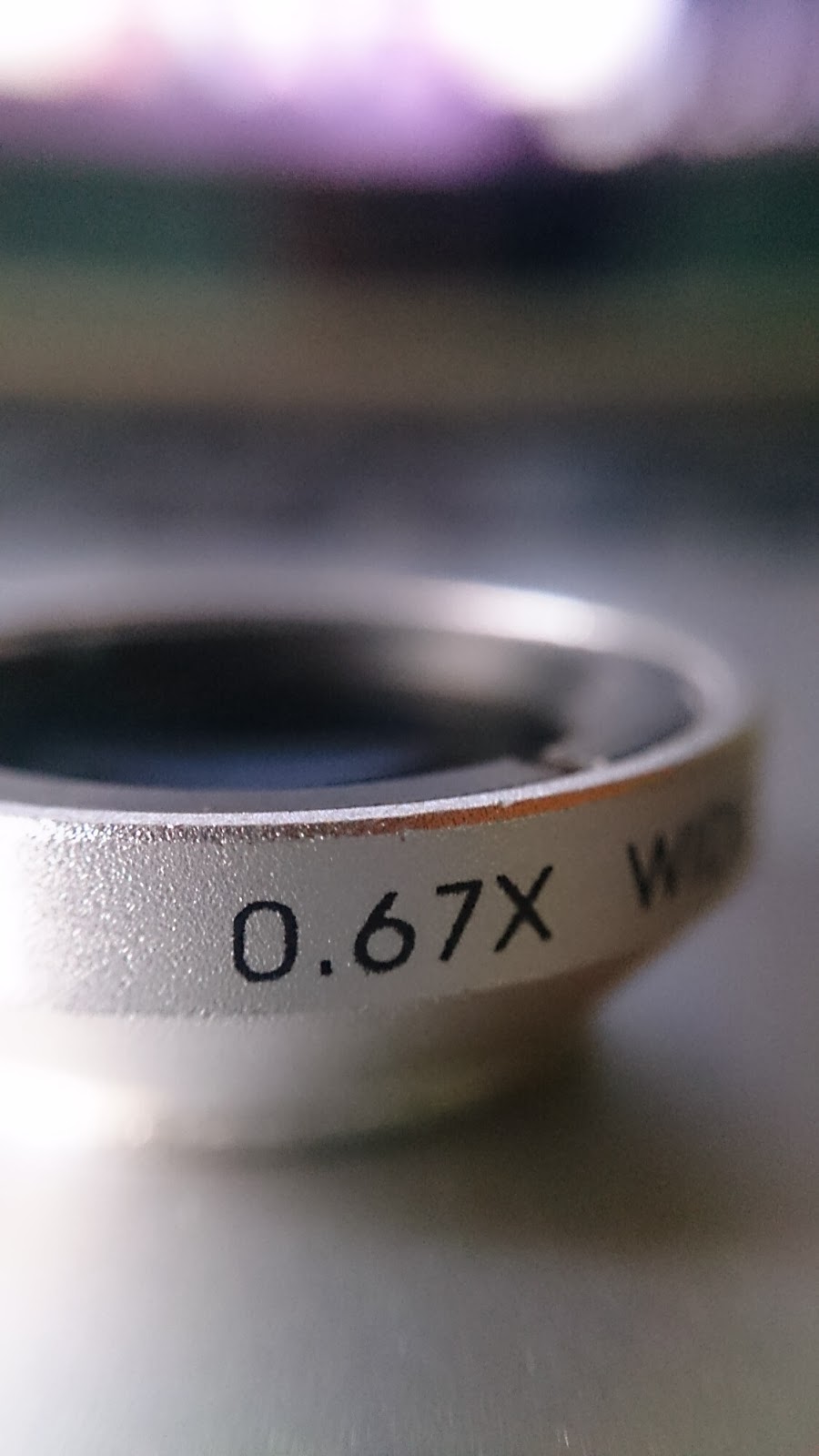
I have been a mobile photography enthusiast since the dawn of camera phone and for quite a long time, I have been searching for accessories to enhance my skills and also to enhance my photos so I could produce pleasing shots. Right now, I own a tripod for mobile phones and just recently, I bought a macro and wide angle lens for my mobile phones. These lenses are not the same as the Jelly Lens I posted here few years back. It’s a magnetic lens that you attach at the back of your phone. It also has an adhesive ring if your phone doesn’t hold the magnet. What’s so good about it is that you can remove it anytime you want and attach it again in times of action. You just have to leave the adhesive ring attached on it. It comes with two adhesive rings so you still have a reserve ring or you can attach the other ring on another phone just like I did. One ring is attached to my Nokia 808 Pureview phone and the other ring is attached to my Sony Xperia Z phone. If you want to order this lens, just email Heylarr and tell her that you were referred by Boffill of BoffillBernardes.com.

Macro Lens Keychain for Nokia 808 Pureview
Macro and Wide Angle Lens as keychain for my Nokia 808 Pureview
Macro Shot sample of Nokia 808 Pureview
Sample Shot from my Nokia 808 Pureview

Sample Macro Shot of Sony Xperia Z using Magnetic Macro Lens
Sample Macro Shot from my Sony Xperia Z

Sample Macro Shot of Sony Xperia Z using Magnetic Macro Lens
Macro Shot from my Xperia Z

Wide Angle Lens by Nokia 808 Pureview
Wide Angle Lens by my Nokia 808 Pureview

Magnetic Lens attached to Nokia 808 Pureview and Sony Xperia Z
The rings attached on my Nokia 808 Pureview and Sony Xperia Z phones